June 9th 2026 - Mdviewer App
I wanted to render Markdown inside Emacs but its seems that's not possible. It uses an external processor and renders it as an HTML page. There's a package called markdown-mode that does this but I decided just use my own renderer.
For informational purposes I'm documenting my findings before talking about the app I created.
Rendering Markdown in Emacs
Install Markdown Processor
You first need to install Pandoc on your OS (or another markdown processor).
On Mac:
brew install pandoc
Install markdown-mode
(unless (package-installed-p 'markdown-mode)
  (package-install 'markdown-mode))

(require 'markdown-mode)
Set the Markdown Processor
(setq markdown-command "/opt/homebrew/bin/pandoc")
You can then open a .md file and you will see the buffer show the text in different colors. You can render the markdown preview using (markdown-preview) which will generate an HTML page using your installed processor.
MD Viewer App
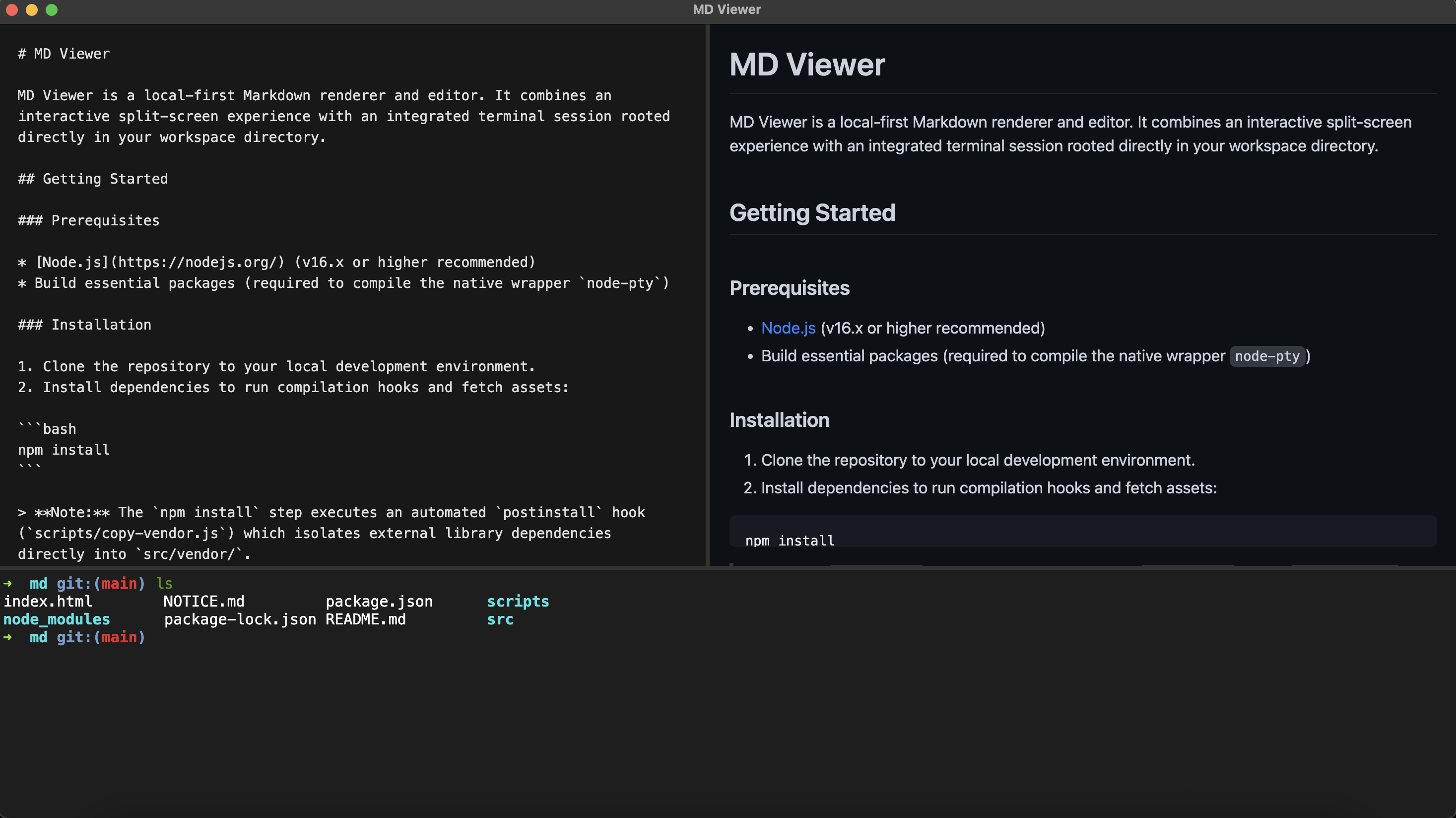
I decided to create my own Electron app that renders Markdown. You can find the repo here.
I wanted to create my own because the I reason I edit Markdown files is for my repository READMEs. My workflow involves using a terminal to commit and push these README changes up to GitHub after I'm done making the edits.
The app I created has a terminal built it which makes that workflow really easy. The terminal opens in the directory of the file you passed as the command line argument to fit that workflow.
Here's a screenshot of the app: